Configuration
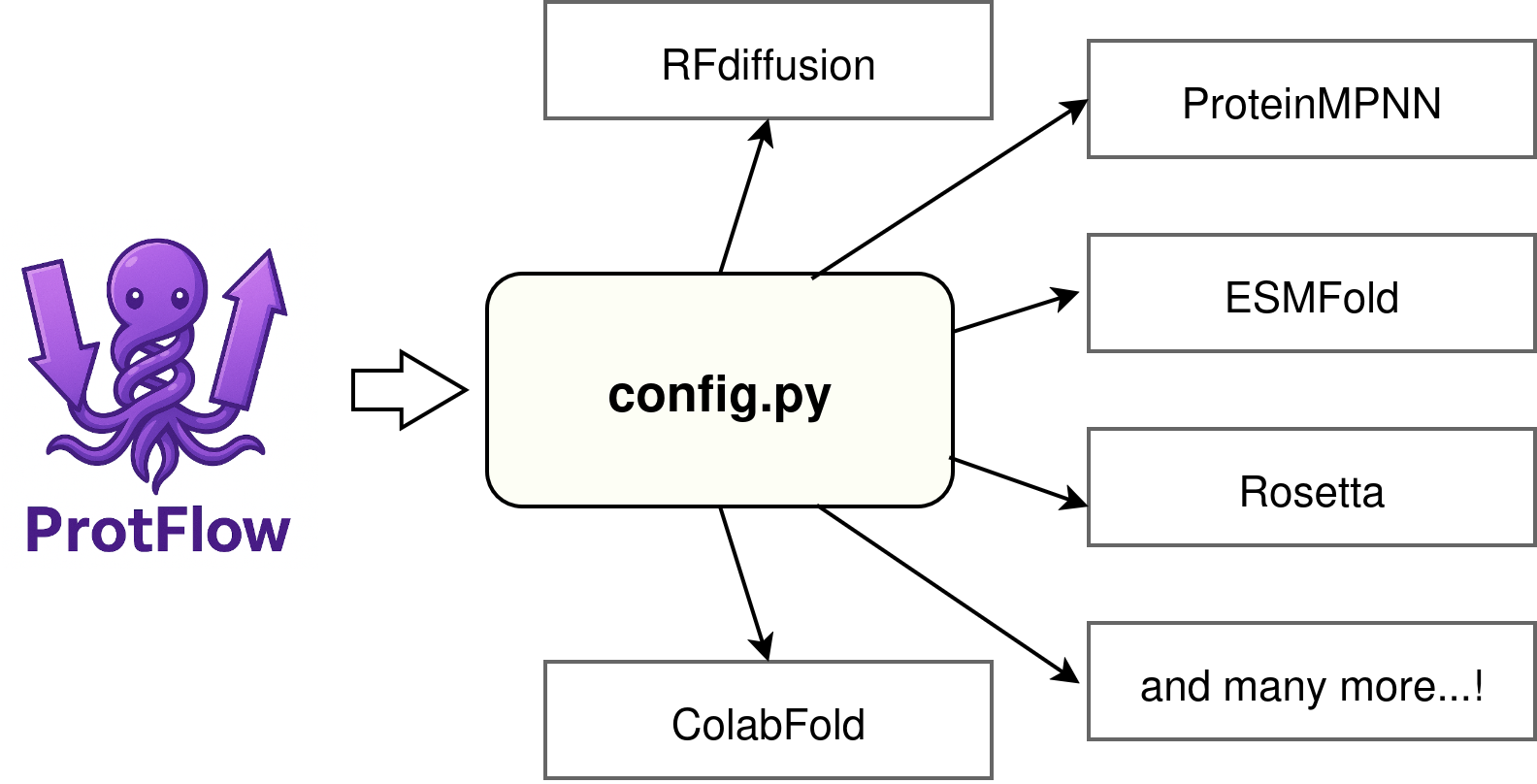
Where ProtFlow looks for its config and runners find tool environments.
Set up
ProtFlow uses a configuration file to locate the Python environments of your installed design tools. If you followed the Installation page, you already created config.py using protflow-init-config.
You need to link ProtFlow’s runners to the Python environments you have on your system. By default, ProtFlow looks for paths in the file config.py that was created during installation. If you try to initialize a runner without defining its paths in config.py, ProtFlow raises an error telling you which path is missing and where to set it.
By default, protflow-init-config writes config.py to ~/.config/protflow/config.py. If you want to point your ProtFlow installation to a different config.py elsewhere (useful on shared clusters), use the CLI tool protflow-set-config:
Simply provide the path to the target config.py to the tool:
protflow-set-config /path/to/your/config.py
To remove this override, use --unset:
protflow-set-config --unset
To check which config.py ProtFlow is using:
protflow-check-config
Adding tools
With config.py in place, add paths for your design tools. Open the file and fill in the placeholders as shown below. If you run a tool without setting its path here, ProtFlow will raise a clear error pointing to the missing key.
# Path to the ProtFlow repository root (optional but recommended for tooling)
PROTFLOW_DIR = ""  # e.g. "/path/to/ProtFlow"

# Python interpreter inside the environment where ProtFlow itself is installed
PROTFLOW_ENV = ""  # e.g. "/path/to/conda/envs/protflow/bin/python3"